YIA Schools™ — School Setup Guide Download

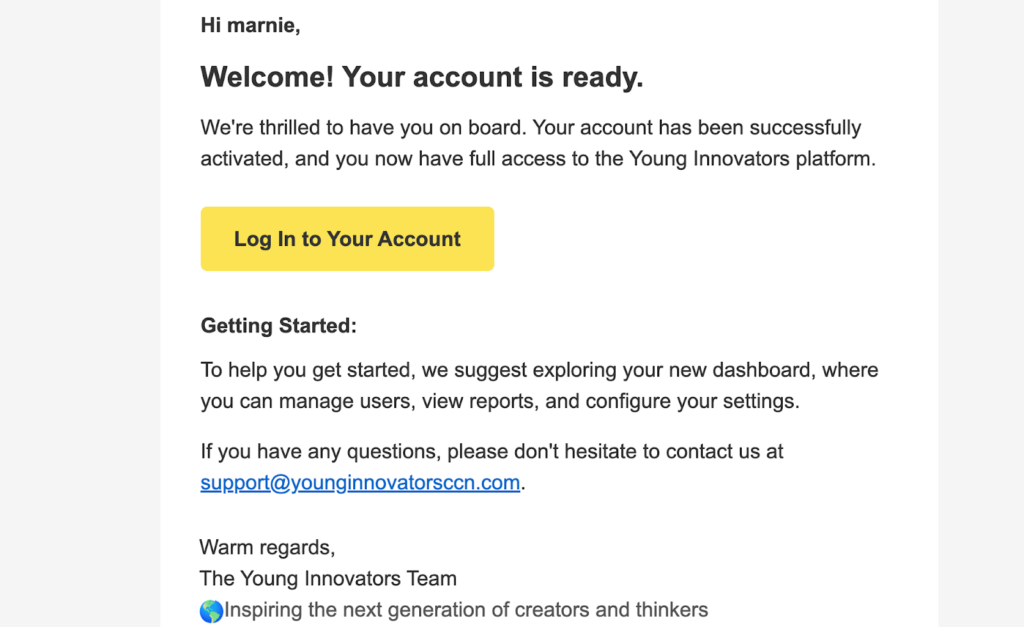
STEP 1. Log Into Your Account Use the Magic Link provided in your welcome email. No password needed for your first login.
STEP 2. Upload Required Documentation
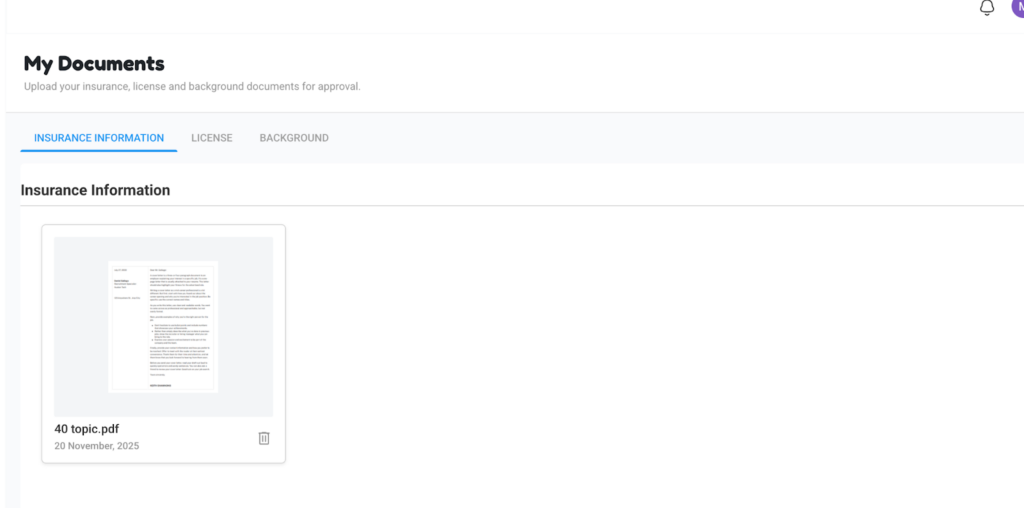
To activate your school account, upload the following documents:
Center license to operate
Certificate of insurance
Background check for the school administrator
Once all documents are uploaded, our team will review them. When approved, your school will have full access to all portal features.